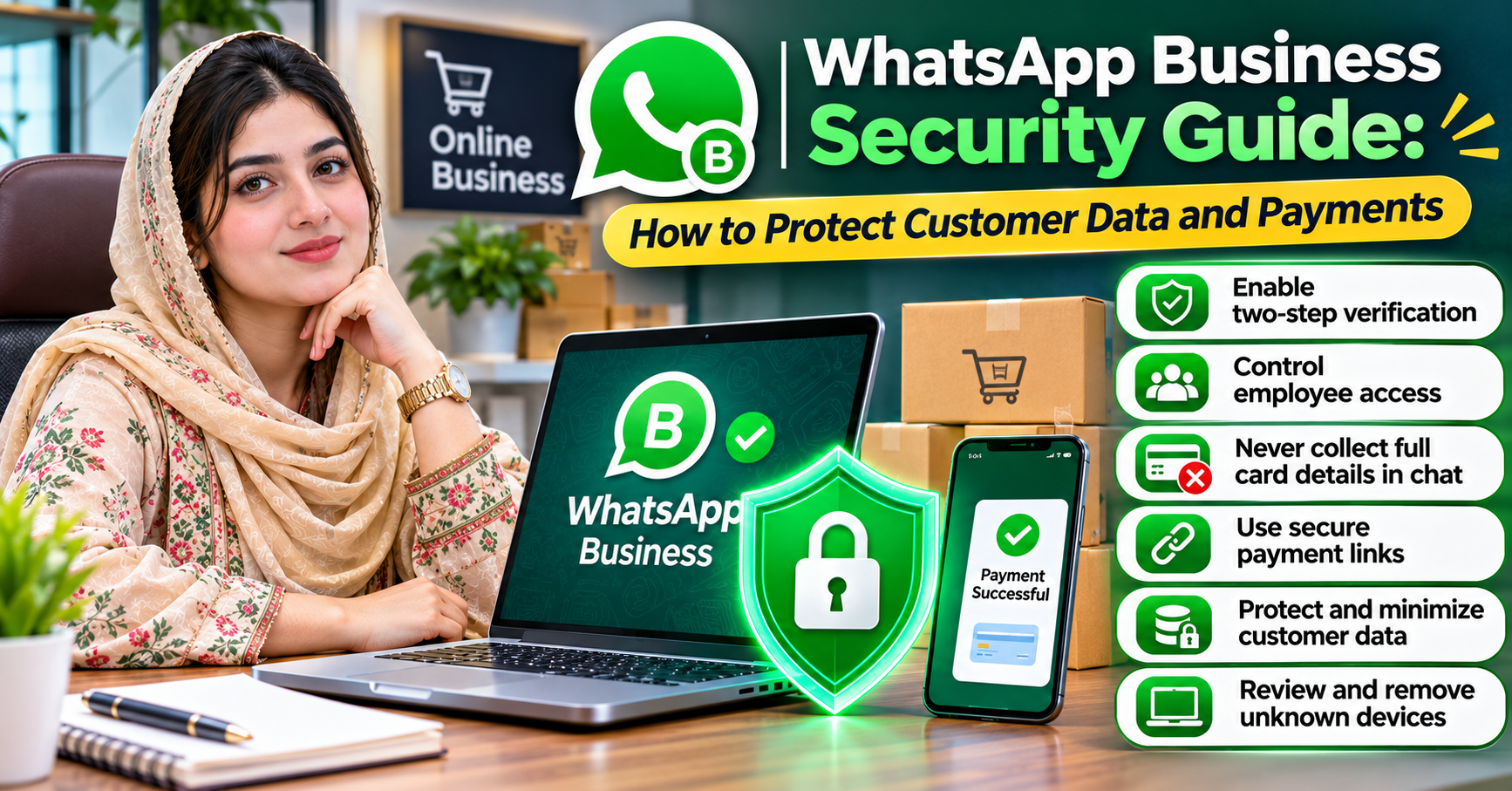
WhatsApp Business Security Guide: How to Protect Customer Data and Payments
WhatsApp Business has changed how small companies communicate with customers. A local store can answer questions instantly, an online seller can confirm orders, and a service provider can share invoices without requiring customers to make phone calls.
While this convenience is valuable, it also creates new responsibilities. Every customer conversation may contain personal details, order information, addresses, and financial records that businesses need to protect.
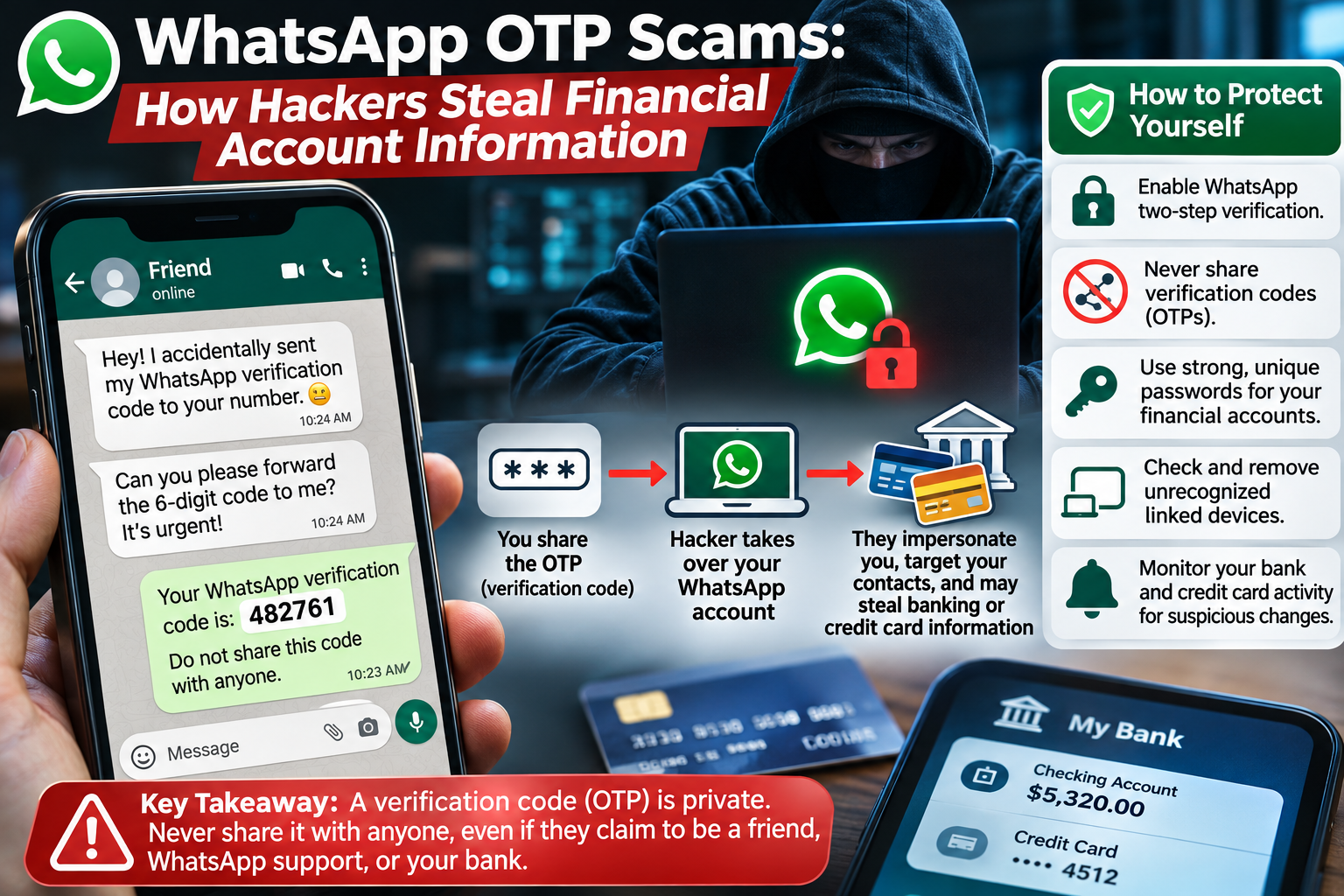
Imagine running an online store where dozens of customers contact you through WhatsApp every day. One morning, an employee receives a suspicious message claiming to be from WhatsApp support. The message asks for a verification code to prevent account suspension.
The employee shares the code, believing the request is legitimate. Shortly afterward, someone attempts to take control of the business account.
This is one example of how a simple security mistake can threaten customer trust.
Whether you operate a small online shop, provide professional services, or manage a growing company, understanding WhatsApp Business security is essential.
This guide explains how to protect customer information, secure payment conversations, prevent account takeover, and reduce financial fraud.
Why WhatsApp Business Security Matters
Customers often contact businesses through WhatsApp because it feels convenient and personal.
They may share delivery addresses, order numbers, photographs, receipts, and other information necessary to complete purchases.
Although much of this information seems ordinary, criminals can sometimes combine small details to commit fraud or impersonate customers.
For example, access to customer names, telephone numbers, and recent order details could help a scammer create convincing payment requests.
A security incident can also interrupt daily business operations.
If criminals compromise a business account, they might contact customers while pretending to represent the company.
Potential consequences include financial losses, customer complaints, operational disruption, and damage to the business's reputation.
Protecting WhatsApp Business is therefore not only a technical responsibility. It is part of providing trustworthy customer service.
Is WhatsApp Business Secure?
WhatsApp uses encryption technology to protect messages, including business communications.
For businesses using the WhatsApp Business application, conversations generally benefit from end-to-end encryption.
However, security arrangements can differ when businesses use the WhatsApp Business Platform, cloud-hosted services, third-party software, or external customer support providers.
Certain business messaging arrangements may allow service providers to process or store message content.
Business owners should understand how their particular setup handles customer data rather than assuming every conversation has identical privacy protections.
Encryption also cannot prevent someone from forwarding a message, taking screenshots, or accessing information through a compromised device.
This is why effective business security requires both reliable technology and responsible operating practices.
1. Enable Two-Step Verification
Two-step verification is one of the first security features business owners should activate.
WhatsApp provides a PIN-based protection feature that helps prevent unauthorized account registration.
To enable it, open WhatsApp Business, navigate to Settings, select Account, and find Two-step verification.
Follow the instructions to create your security PIN.
Choose a PIN that is not easily guessed and avoid sharing it with employees, customers, or support representatives.
If an account recovery email option is available, use an email address that your business controls securely.
Remember that WhatsApp verification codes and two-step verification PINs serve different purposes. Both should remain confidential.
A genuine support representative should not ask you to disclose these codes through an unexpected chat.
2. Control Employee Access to Customer Conversations
Many businesses use WhatsApp across several devices or allow multiple employees to respond to customers.
This approach can improve response times, but it can also create security risks when access is poorly managed.
For example, an employee who no longer works for the company should not retain access to customer conversations.
Establish clear rules about who can access the account and what information each person needs.
Good practices include:
Authorizing only employees who require access.
Reviewing connected devices regularly.
Removing access when an employee changes roles or leaves.
Preventing staff from copying customer information into personal accounts.
Using appropriate access controls in connected customer support systems.
Businesses using the WhatsApp Business Platform should review permissions available through their messaging provider.
Employees should understand that customer information belongs within approved business systems, not personal contact lists or informal spreadsheets.
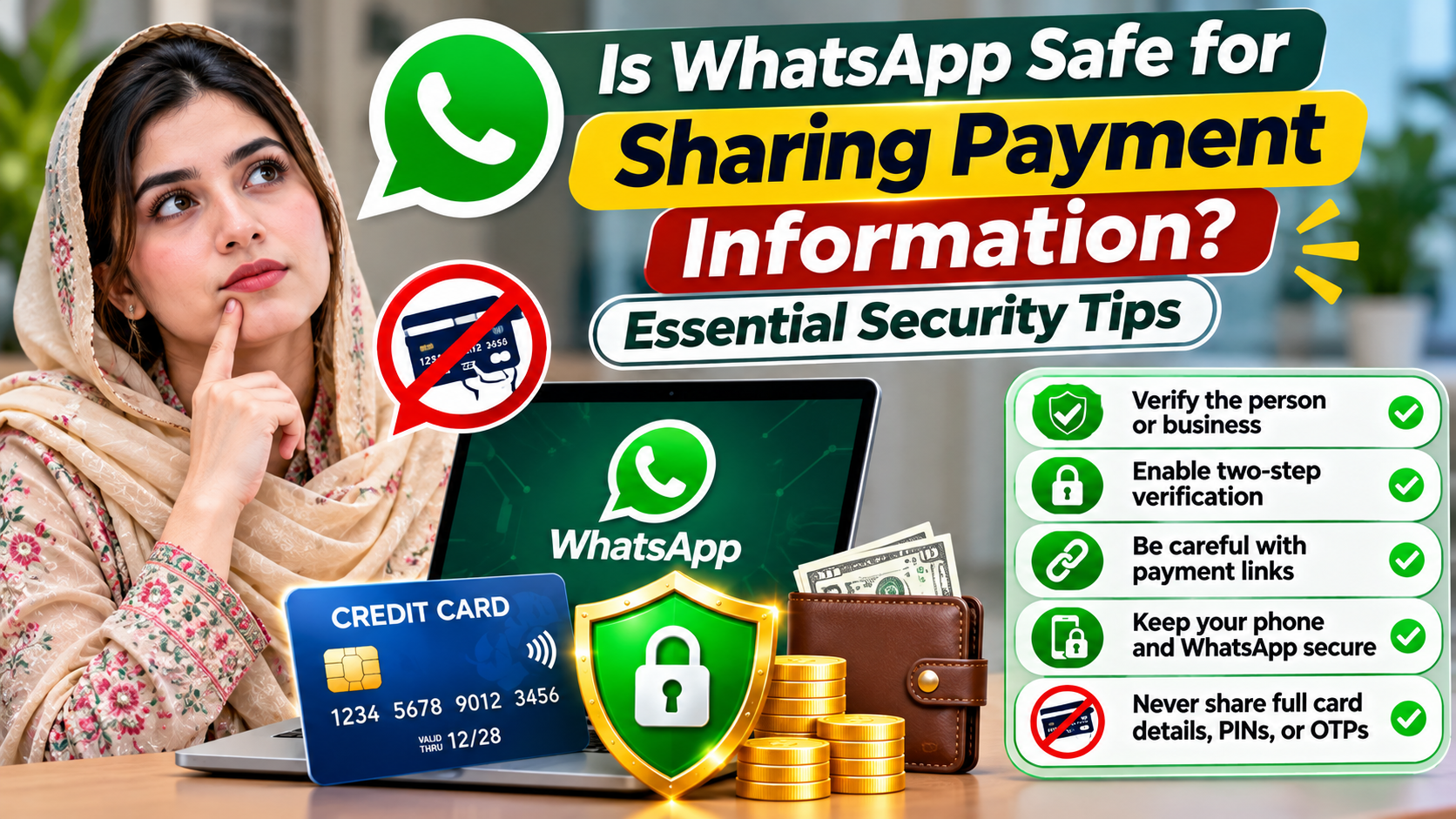
3. Never Request Complete Credit Card Details Through Chat
Payment security deserves special attention.
A customer may offer to send a credit card number directly through WhatsApp to complete an order.
Although this may appear convenient, businesses should avoid collecting full payment card details in ordinary chat conversations.
WhatsApp's business messaging policy restricts requesting or sharing complete payment card numbers, financial account numbers, and certain sensitive identifiers.
Payment card security standards also impose requirements on handling cardholder information through messaging technologies.
Instead, use a trusted payment processor or secure checkout page.
For example, an online clothing business can send customers an invoice containing a legitimate payment link.
The customer completes the payment through the processor's secure checkout system rather than sending card details to the seller.
This approach reduces unnecessary exposure of financial information and helps businesses maintain more appropriate payment records.
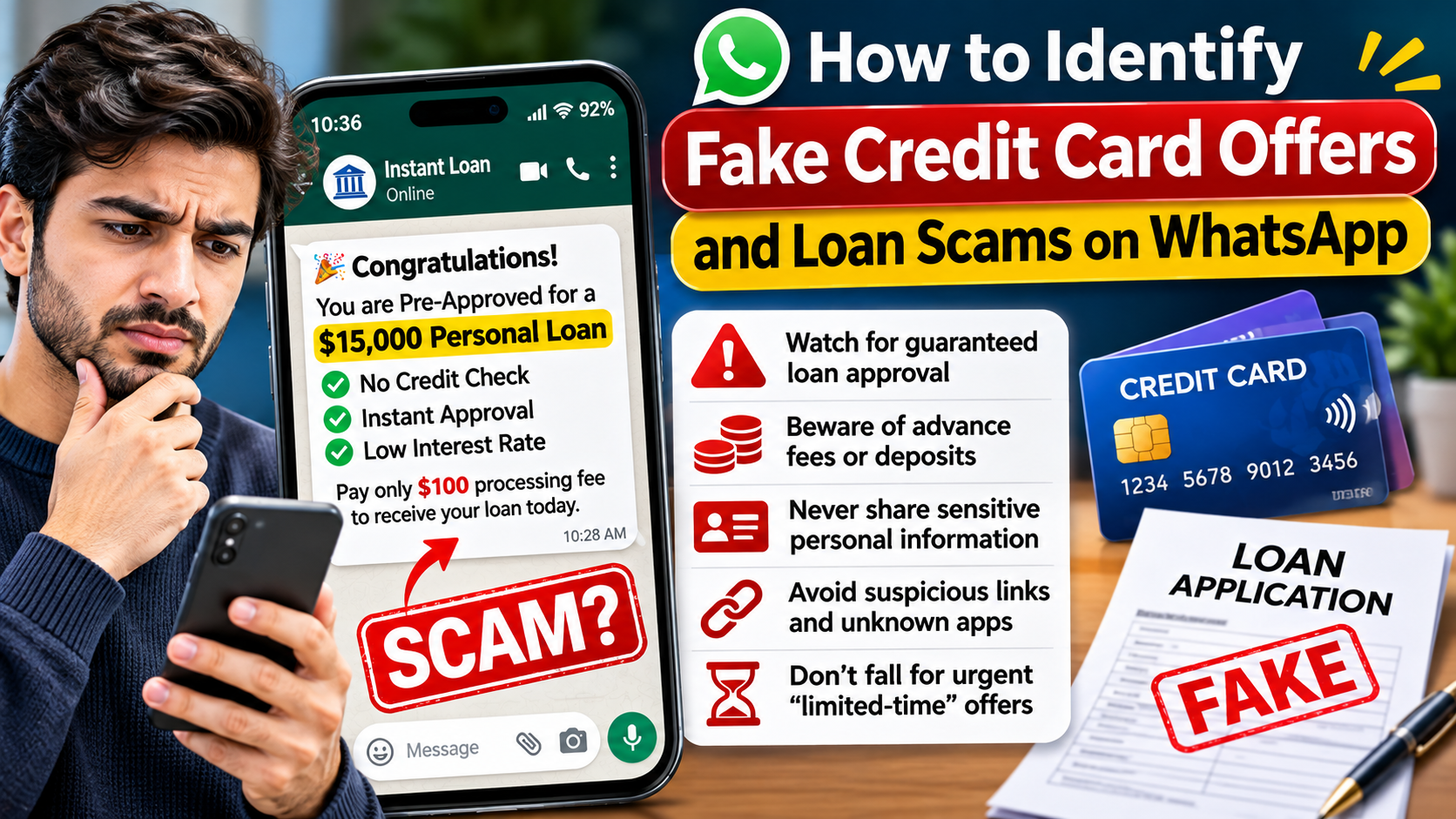
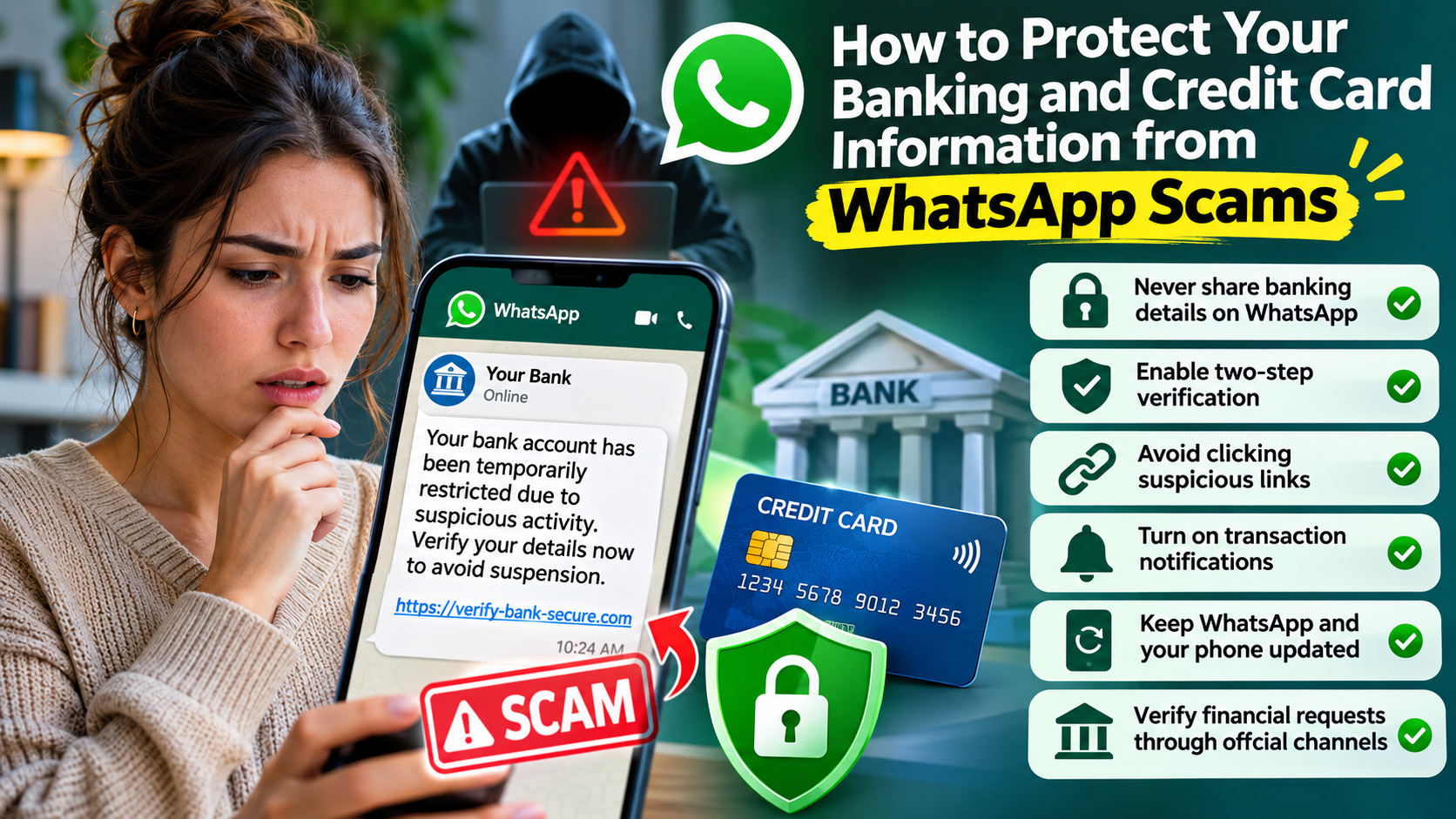
4. Protect Customers From Fake Payment Requests
Criminals sometimes impersonate legitimate businesses to collect fraudulent payments.
A scammer might copy your company logo, create a similar WhatsApp profile, and contact customers with fake invoices.
The message may claim that the customer needs to pay an additional shipping fee or verify an outstanding balance.
Customers who believe the message came from your business may send money to the criminal.
To reduce these risks, establish a consistent payment process.
Tell customers which official channels your business uses, how invoices are delivered, and which payment methods are accepted.
If your payment instructions change, confirm the change through a trusted channel.
Avoid asking customers to send money to unfamiliar personal accounts.
Consider adding a payment security notice to your website or order confirmation messages.
Clear communication makes it easier for customers to recognize unusual requests.
5. Use Secure Payment Links
Payment links can be a practical option for businesses that accept orders through WhatsApp.
Instead of manually collecting financial details, a business can provide customers with a checkout link generated by a reputable payment processor.
However, payment links still require careful handling.
Make sure the link directs customers to the correct payment provider and is associated with the intended invoice.
Use verified payment systems and keep account access protected with strong passwords and multifactor authentication.
Businesses should also avoid sending shortened or unfamiliar links when customers cannot easily verify the destination.
A secure checkout system is only effective when the merchant and customer use the legitimate payment page.
For high-value transactions, consider additional verification before changing payment instructions or issuing refunds.
6. Avoid Sharing Unnecessary Customer Information
Not every customer service conversation requires sensitive personal details.
For example, a customer asking about a product's availability does not need to provide a home address or identification document.
A customer requesting an order update may only need an order reference.
Businesses should collect only information reasonably necessary for the service being provided.
This principle is commonly called data minimization.
It reduces the amount of personal information exposed if an account or connected system is compromised.
Avoid requesting government identification, banking information, or other sensitive records unless there is a legitimate need and an appropriate secure collection method.
If information is no longer needed, follow a documented retention and deletion policy consistent with applicable legal obligations.
Protecting customer privacy is easier when the business avoids collecting excessive data in the first place.
7. Secure Business Phones and Connected Computers
Even a well-protected WhatsApp account can become vulnerable if the device accessing it is compromised.
Employees may use smartphones, office computers, or laptops to handle business conversations.
Each device should have appropriate security protections.
Require strong screen locks and enable biometric authentication where supported.
Keep operating systems, browsers, and applications updated.
Avoid installing unauthorized applications or software from unknown sources.
Review the Linked Devices section of WhatsApp Business periodically.
If a device is lost, stolen, or no longer used for business operations, take immediate action to revoke access.
Shared computers require particular attention because another person may gain access to an active messaging session.
8. Train Employees to Recognize WhatsApp Scams
Technology alone cannot prevent every security incident.
Employees should know how to identify suspicious requests before responding.
Common warning signs include unexpected verification code requests, urgent account suspension warnings, unfamiliar payment links, and instructions to download unknown applications.
For instance, a criminal may impersonate a business owner and ask an employee to urgently transfer money to a new supplier.
Another attacker might pretend to be technical support and request account credentials.
Create a simple verification rule: unusual financial requests must be confirmed through an independent communication channel.
Staff members should know how to report suspicious conversations without fear of being blamed for raising concerns.
Regular security reminders can help employees recognize developing fraud techniques.
9. Keep Customer Backups and Records Protected
Some businesses save customer conversations, invoices, and transaction records for accounting or customer support purposes.
These records may contain personal information that needs appropriate protection.
Review WhatsApp's available backup settings, including end-to-end encrypted backups where supported.
Secure cloud storage accounts with strong passwords and multifactor authentication.
Avoid exporting customer chat histories into unsecured folders or sharing complete conversation archives unnecessarily.
If your business uses a customer relationship management system, review how the software stores information and who can access it.
Different records may require different retention periods because of legal, tax, accounting, or customer service obligations.
A documented data management process helps businesses retain necessary records while limiting unnecessary exposure.
10. Create a Clear Customer Privacy Policy
Customers deserve to understand how a company uses their information.
A business that communicates through WhatsApp should explain its relevant privacy practices in a clear, accessible policy.
Depending on the business and applicable law, the policy may address the types of data collected, reasons for collection, service providers involved, retention practices, and how customers can exercise privacy rights.
Businesses should also explain how customers can contact them about privacy or security concerns.
Privacy requirements vary by location.
For example, businesses serving customers in different U.S. states or internationally may face additional obligations.
A privacy policy should accurately describe actual business practices rather than simply copying generic statements from another website.
WhatsApp Business tools do not automatically make a company compliant with every applicable privacy regulation.
What to Do If Your WhatsApp Business Account Is Compromised
A suspected account compromise requires a prompt, organized response.
First, attempt to secure the affected account through WhatsApp's official recovery procedures.
Review connected devices and remove unfamiliar sessions where access remains available.
Next, investigate whether attackers accessed customer information or sent fraudulent messages.
Secure related systems, including business email, payment accounts, and connected software.
If customer payment information or personal data may have been exposed, assess the incident and determine applicable notification requirements.
Inform affected customers when appropriate, using independently verified communication channels.
Ask customers to disregard fraudulent payment instructions and encourage anyone who transferred money to contact their financial institution immediately.
Preserve relevant evidence and document the actions taken.
After the incident, review security weaknesses and update employee procedures to reduce the likelihood of another compromise.
Frequently Asked Questions
Is WhatsApp Business safe for accepting customer payments?
WhatsApp Business can be useful for discussing orders and sending legitimate payment links. However, businesses should process sensitive card information through an appropriate secure payment system rather than collecting it in ordinary chat messages.
Can employees access private customer information?
Employees with authorized access to business conversations may be able to view customer information contained in those messages. Businesses should limit access, review permissions, and establish clear rules for handling customer data.
Does WhatsApp Business protect messages with encryption?
WhatsApp provides encryption protections, but the details differ depending on whether a business uses the standard Business app, the Business Platform, cloud hosting, or third-party systems. Business owners should review their specific setup.
How can customers identify a fake WhatsApp Business account?
Customers should verify business contact information through the company's official website or another trusted channel. A familiar logo, professional profile, or verification badge should not replace careful confirmation of unusual payment requests.
What is the safest way to request payment on WhatsApp?
A practical approach is to send an invoice or verified checkout link from an established payment provider. Customers should complete transactions through the official payment page without sharing confidential card details in the conversation.
Final Thoughts
WhatsApp Business can support efficient customer communication, but businesses must treat customer information and financial transactions with care.
Account protection, controlled employee access, secure payment processing, and responsible data handling are essential parts of a reliable business communication strategy.
Avoid requesting unnecessary personal details, train staff to recognize fraud, and regularly review connected devices and third-party services.
Most importantly, establish payment procedures that customers can easily recognize and verify.
A secure WhatsApp Business operation does more than protect information. It helps build customer confidence, reduce preventable losses, and support long-term business relationships.